
ZB-M08 Photography Set-top Reflection Light Meter Film photography Hot and cold shoe fixing new Camera Luminometer | Спорт и
Сохраните в закладки:
История цены
*История изменения цены! Указанная стоимость возможно, уже изменилось. Проверить текущую цену - >
| Месяц | Минимальная цена | Макс. стоимость | Цена |
|---|---|---|---|
| Feb-21-2026 | 3235.6 руб. | 3300.47 руб. | 3267.5 руб. |
| Jan-21-2026 | 2623.90 руб. | 2675.91 руб. | 2649 руб. |
| Dec-21-2025 | 3184.51 руб. | 3248.51 руб. | 3216 руб. |
| Nov-21-2025 | 3158.15 руб. | 3221.35 руб. | 3189.5 руб. |
| Oct-21-2025 | 2522.30 руб. | 2572.96 руб. | 2547 руб. |
| Sep-21-2025 | 3107.18 руб. | 3169.13 руб. | 3138 руб. |
| Aug-21-2025 | 3082.89 руб. | 3144.28 руб. | 3113 руб. |
| Jul-21-2025 | 3056.27 руб. | 3117.24 руб. | 3086.5 руб. |
Новые товары

Фотоловушка HC-300M дюйма 16 МП водонепроницаемая 1080P для наблюдения за дикой
6458.4

2 мегапикселя 1920*1080 USB веб-камера рыбий глаз высокоскоростная MJPEG 60fps/120fps/260fps CMOS
6774.4

Беспроводная охотничья фотоловушка 16MP SMTP MMS GSM 1080P с функцией ночного видения HC330M
4568.8
Охотничья камера 12 МП 1080P водонепроницаемая Спортивная с датчиком полевой
2215.2
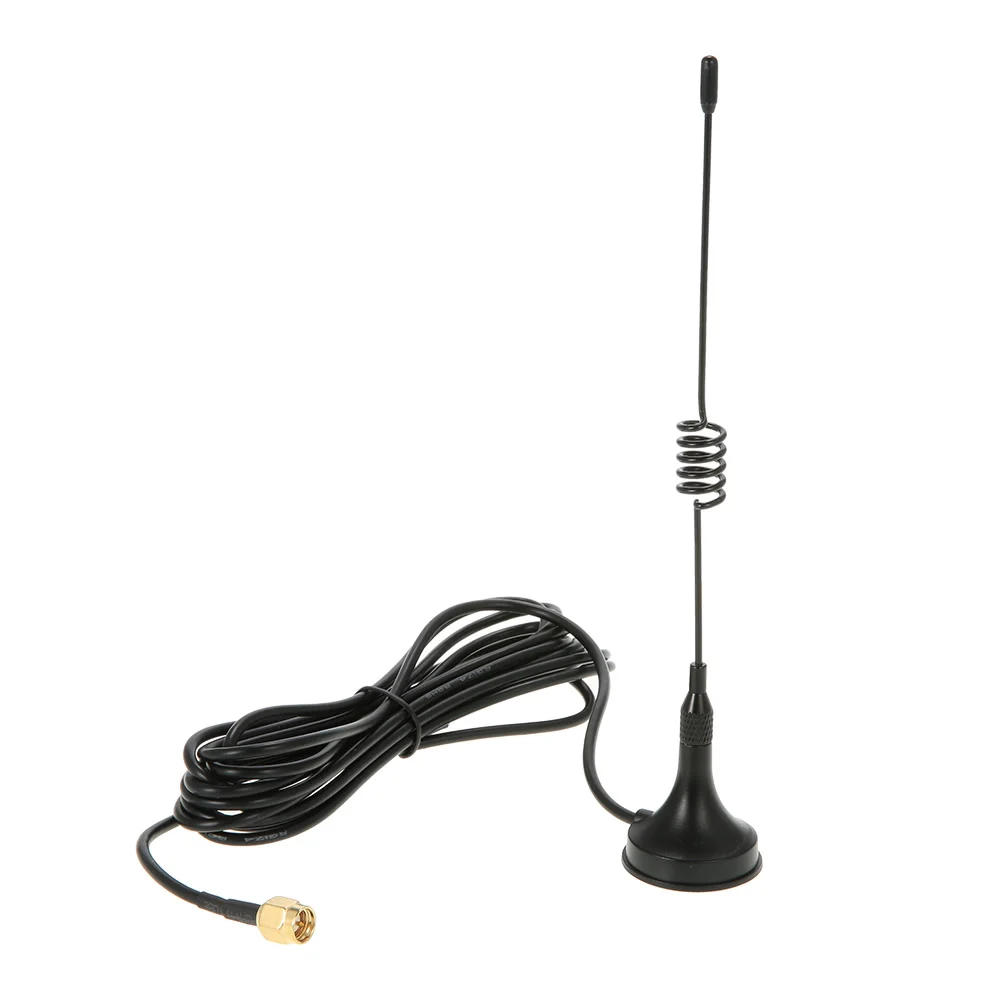
2G GSM 3G WCDMA 1920-2170 МГц магнитная антенна для следа игры Скаутинг дикой природы охоты
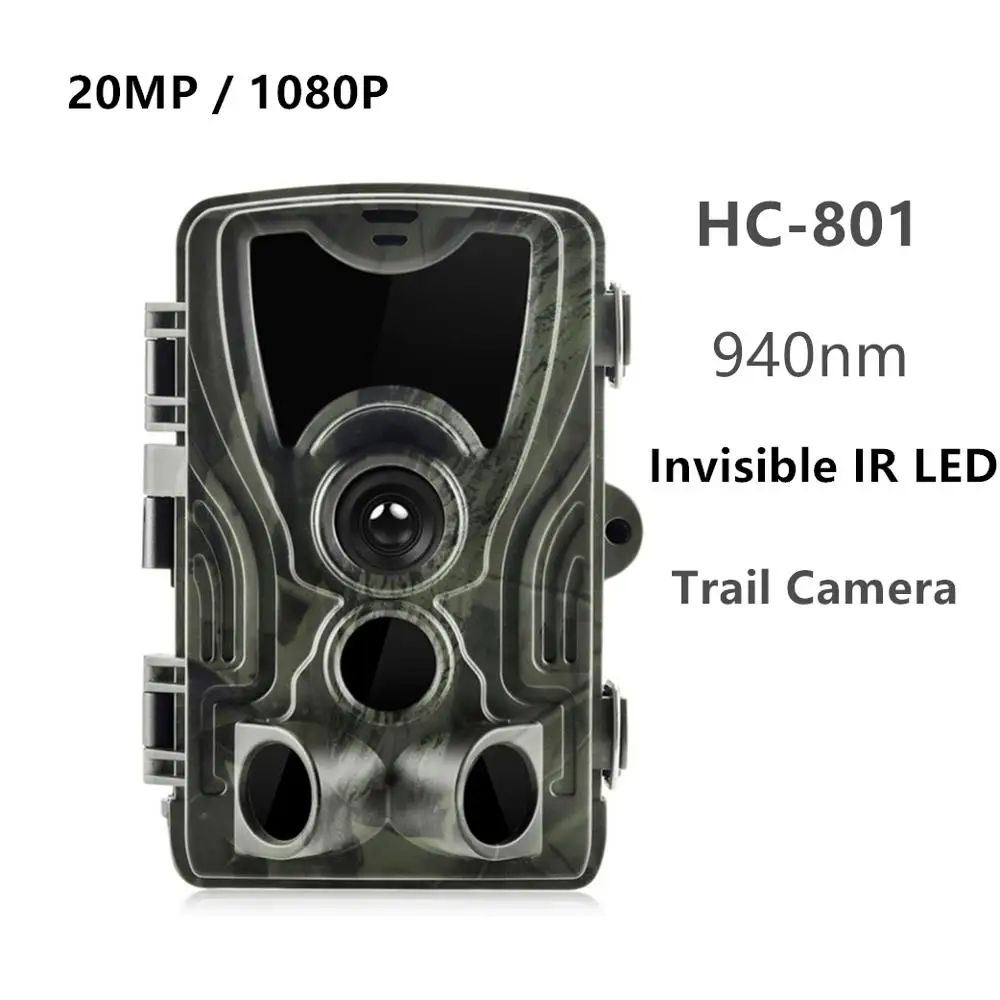
HC801 20MP охотничья камера без свечения 940nm IR LEDs Trail Camera s IP65 водонепроницаемая

2020 Trail Камера 12MP Водонепроницаемый дикой природы PR300 инфракрасное ночное видение

4G 3G сотовая охотничья камера SMS MMS SMTP 20 МП фотоловушка HC801LTELI для наблюдения с
Характеристики
ZB-M08 Photography Set-top Reflection Light Meter Film photography Hot and cold shoe fixing new Camera Luminometer | Спорт и
Описание товара
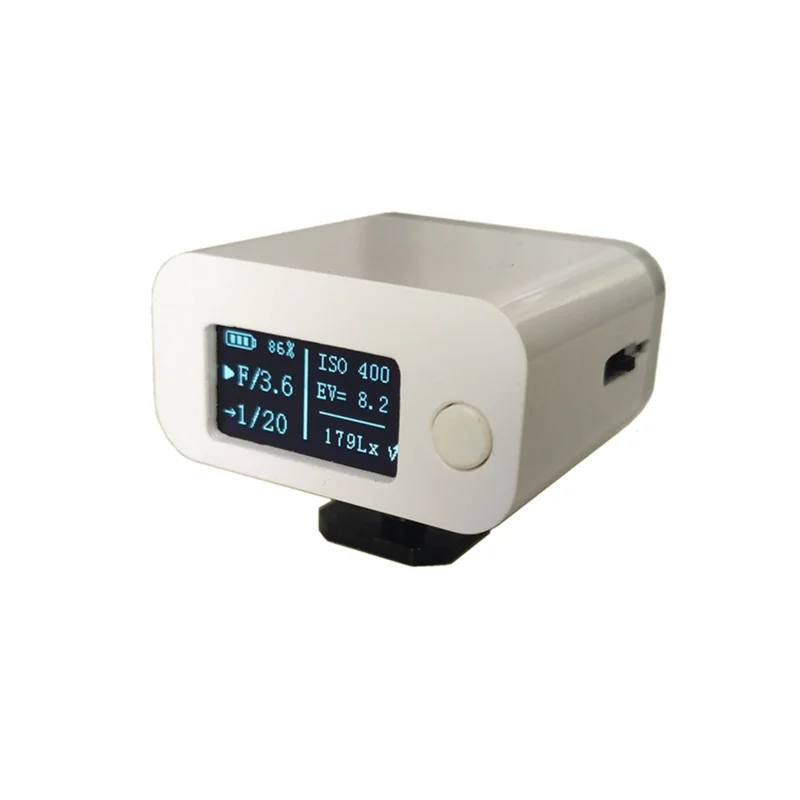
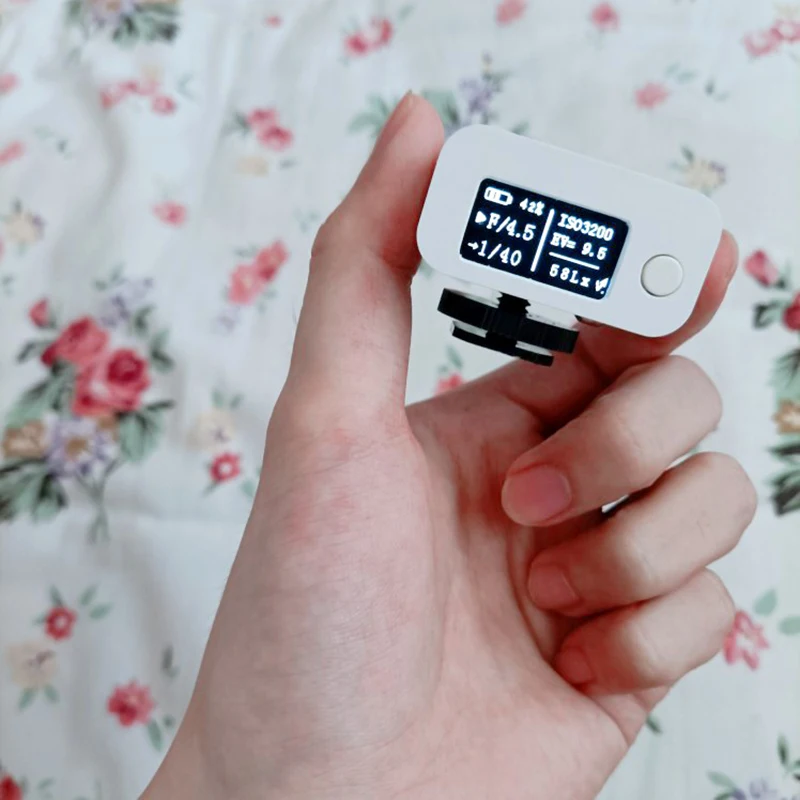
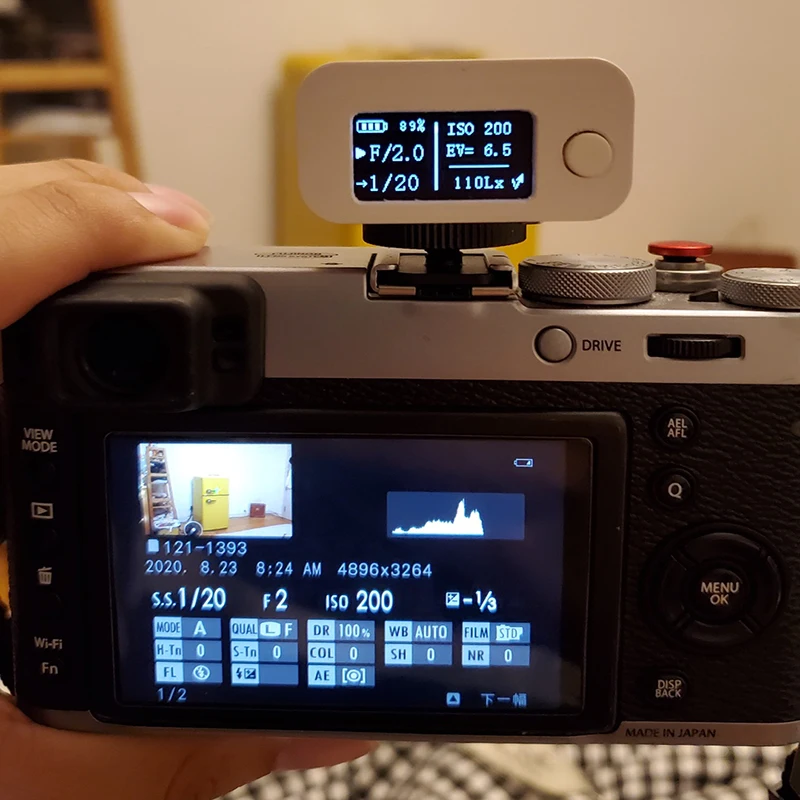
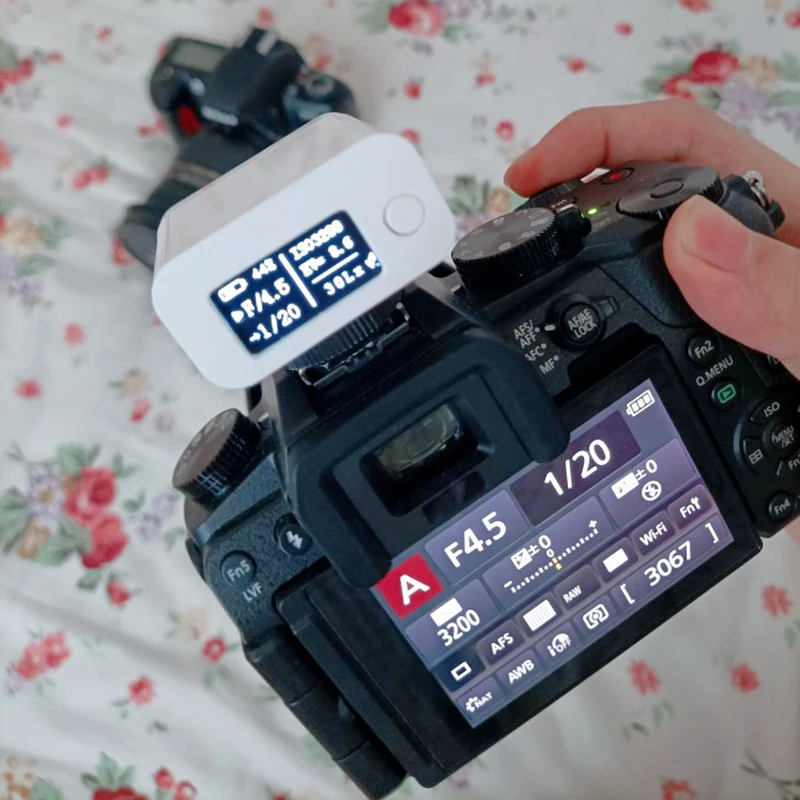
ZB-M08 Photography Set-top Reflection Light Meter Film photography Hot and cold shoe fixing New Camera Luminometer
Description:
Metering angle: approx. 45°Reflective Average Metering
Battery capacity: 300mAh
Charging specification: 5V/450mA
ISO range: ISO6~ISO6400
Aperture range: F1.0~F64
Shutter range: 4.0S~1/2000S
Working current: 8mA~10mA
Standby current: 3.5uA
Display mode: 0.96 inch 0LED
Power supply mode: lithium battery (can be used for about 28 hours of continuous metering)
Support metering while charging, you can also choose to shut down when charging
Instructions
1. After receiving the goods, it is recommended to fully charge it before using it.
2. Metering: Continuous metering starts when it is turned on, and stops metering when turned off.
3. There are three operation modes of the operation dial on the right rear side of the machine, press forward, press backward, and press inward (leftward).
4. Selection of priority mode: Operate the dial to go in (left) and click to modify the priority mode.
5. When the screen arrow points to the aperture value, it indicates the aperture priority mode. Press the dial forward or backward,
You can increase or decrease the value. Long press the dial forward or backward to quickly adjust the value.
6. The arrow on the screen points to the shutter time, indicating the shutter priority mode, and the dial can also adjust the value.
7. Press and hold the dial inward (leftward) for more than 1 second to set the sensitivity. At this time, the screen arrow points to ISO.
Press again to exit the sensitivity setting. When setting the sensitivity, the machine can also continuously meter light.
Advanced Operation Instructions
1) Set incident or reflection metering mode (the default is reflection metering):A "down arrow" appears in the lower right corner of the screen, indicating the incident light mode (measured at the light source)An "upward broken line arrow" appears in the lower right corner of the screen, indicating the reflected light mode (measurement can be aimed at the scene).In the normal metering interface, long press the operation dial inward (to the left), the screen arrow will appear on the ISO rightSide, do not release at this time, continue to press and hold the dial, and the arrow will move to the right of the EV, indicating thatThe metering mode can be adjusted. Press the dial forward or backward to change the metering mode. MeteringThe modes are divided into incident light mode and reflected light mode.2) Set the exposure compensation value:Turn off the machine first, then press the operation dial in (left) with one hand, and press the power button with the other handTurn on. At this time, an English interface will be entered, and the value after EV in the last line is the exposure compensation value.It can be adjusted by making a dial. The default is +0.0, and every time you dial, adjust 0.1 ev. Press ten timesYou can adjust 1 ev, which is equivalent to adjusting an integer file. Long press can quickly adjust.3) Set the reflectivity (under reflective metering mode):Same as the method of setting exposure compensation, first enter the advanced mode (turn off first, then press to operate.While turning the dial, press the power button to turn on). You will enter an English interface, behind ReflectionThe value of is the reflectance, which can be adjusted by operating the dial button. When you just enter the advanced mode interface, it willYou can see an underline behind the EV. At this time, you need to press the operating dial to adjust the underline.After the reflection rate (Reflection), it means that the reflection rate can now be adjusted by operating the dial.The default reflectivity is 18% or 15%, and the default reflectivity settings of each brand of camera or light meter are different .Set the same, usually around 5% to 20%. After the adjustment is complete, press and hold the dial again or switch normally again.The machine can enter the normal metering interface once.4) Set the sensing coefficient (under reflective metering mode):Same as the method of setting exposure compensation, first enter the advanced mode (turn off first, then press to operate.While turning the dial, press the power button to turn on). At this time, it will enter an English interface, after SensorRatio.The value of the surface is the sensor coefficient, which can be adjusted by operating the dial button. When entering the advanced mode interface,You will see an underline behind the EV. At this time, you need to short press the operating dial twice to adjust the underline.After the sensor ratio (SensorRatio), it means that the transmission can now be adjusted by operating the dial.Sensitivity is over, and the sensing coefficient defaults to 1.74.Package Included:
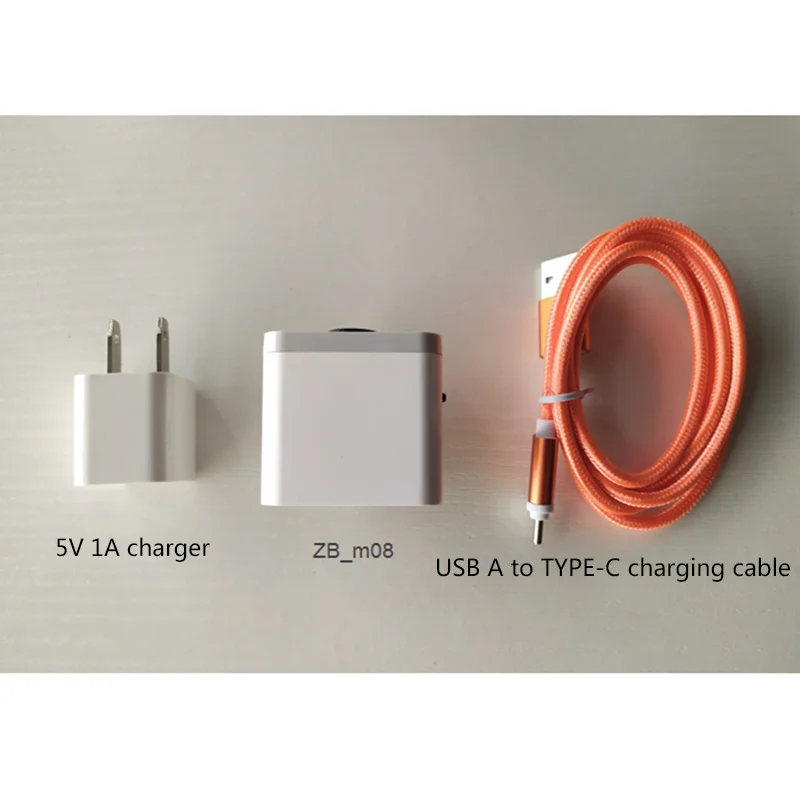
1 x ZB_M08 Photography Set-top Reflection Light Meter1 set Aessories(5V 1A charger,USB A to Type C charging cable)Note:
Please allow slight deviation of measurement due to manual measurement.
Due to the difference between different monitors, the picture may not reflect the actual color of the item. Thank you!


FAQ:
Q:Who will pay for customs duty?
A:It is buyer who should pay customs duty.
Q:My warranty?
A:1)You can return goods within 30 days from the delivered date.(Unused,undamaged and in original package.
Q:I want to return goods,What should i do?
A:Contact Customer Servier Staff. But you have to pay shipping cost.
Feedback:
Satisfied: Please leave positive comments(5 stars), we will give you a big discount in your next order.
Not satisfied: Please do not open dispute, contact us before you leave neutral(3 stars), negative(1-2 stars) comments, we will try our best to slove your problem.

Description:
Metering angle: approx. 45°Reflective Average Metering
Battery capacity: 300mAh
Charging specification: 5V/450mA
ISO range: ISO6~ISO6400
Aperture range: F1.0~F64
Shutter range: 4.0S~1/2000S
Working current: 8mA~10mA
Standby current: 3.5uA
Display mode: 0.96 inch 0LED
Power supply mode: lithium battery (can be used for about 28 hours of continuous metering)
Support metering while charging, you can also choose to shut down when charging
Instructions
1. After receiving the goods, it is recommended to fully charge it before using it.
2. Metering: Continuous metering starts when it is turned on, and stops metering when turned off.
3. There are three operation modes of the operation dial on the right rear side of the machine, press forward, press backward, and press inward (leftward).
4. Selection of priority mode: Operate the dial to go in (left) and click to modify the priority mode.
5. When the screen arrow points to the aperture value, it indicates the aperture priority mode. Press the dial forward or backward,
You can increase or decrease the value. Long press the dial forward or backward to quickly adjust the value.
6. The arrow on the screen points to the shutter time, indicating the shutter priority mode, and the dial can also adjust the value.
7. Press and hold the dial inward (leftward) for more than 1 second to set the sensitivity. At this time, the screen arrow points to ISO.
Press again to exit the sensitivity setting. When setting the sensitivity, the machine can also continuously meter light.
Advanced Operation Instructions
1) Set incident or reflection metering mode (the default is reflection metering):A "down arrow" appears in the lower right corner of the screen, indicating the incident light mode (measured at the light source)An "upward broken line arrow" appears in the lower right corner of the screen, indicating the reflected light mode (measurement can be aimed at the scene).In the normal metering interface, long press the operation dial inward (to the left), the screen arrow will appear on the ISO rightSide, do not release at this time, continue to press and hold the dial, and the arrow will move to the right of the EV, indicating thatThe metering mode can be adjusted. Press the dial forward or backward to change the metering mode. MeteringThe modes are divided into incident light mode and reflected light mode.2) Set the exposure compensation value:Turn off the machine first, then press the operation dial in (left) with one hand, and press the power button with the other handTurn on. At this time, an English interface will be entered, and the value after EV in the last line is the exposure compensation value.It can be adjusted by making a dial. The default is +0.0, and every time you dial, adjust 0.1 ev. Press ten timesYou can adjust 1 ev, which is equivalent to adjusting an integer file. Long press can quickly adjust.3) Set the reflectivity (under reflective metering mode):Same as the method of setting exposure compensation, first enter the advanced mode (turn off first, then press to operateWhile turning the dial, press the power button to turn on). You will enter an English interface, behind ReflectionThe value of is the reflectance, which can be adjusted by operating the dial button. When you just enter the advanced mode interface, it willYou can see an underline behind the EV. At this time, you need to press the operating dial to adjust the underline.After the reflection rate (Reflection), it means that the reflection rate can now be adjusted by operating the dial.The default reflectivity is 18% or 15%, and the default reflectivity settings of each brand of camera or light meter are differentSet the same, usually around 5% to 20%. After the adjustment is complete, press and hold the dial again or switch normally againThe machine can enter the normal metering interface once.4) Set the sensing coefficient (under reflective metering mode):Same as the method of setting exposure compensation, first enter the advanced mode (turn off first, then press to operateWhile turning the dial, press the power button to turn on). At this time, it will enter an English interface, after SensorRatioThe value of the surface is the sensor coefficient, which can be adjusted by operating the dial button. When entering the advanced mode interface,You will see an underline behind the EV. At this time, you need to short press the operating dial twice to adjust the underlineAfter the sensor ratio (SensorRatio), it means that the transmission can now be adjusted by operating the dial.Sensitivity is over, and the sensing coefficient defaults to 1.74.Package Included:
1 x ZB_M08 Photography Set-top Reflection Light Meter1 set Aessories(5V 1A charger,USB A to Type C charging cable)Note:
Please allow slight deviation of measurement due to manual measurement.
Due to the difference between different monitors, the picture may not reflect the actual color of the item. Thank you!
Трекер стоимости
Отзывы покупателей
Новые отзывы о товарах

Alisa 18 Декабря 2021, 22:17 #
Последние несколько лет часто пользуюсь услугами этой компании, частенько делаю заказы, для дома, для детей и для себя любимой, и... Читать отзыв полностью...

Мария 23 Декабря 2021, 11:51 #
Мне понравился дизайн, нечто похожее недавно видела в бутике. Но там босоножки стоили нереально, а на эти весьма посильная цена.... Читать отзыв полностью...

Darshan 20 Декабря 2021, 19:28 #
Заказывала данные наушники для себя,очень довольна этим товаром. Пользуюсь уже больше месяца и нареканий к ним за это время... Читать отзыв полностью...

Марина Вальтер 19 Декабря 2021, 00:05 #
Заказывала толстовку для сына. Если честно качество прям удивило, думала придет хуже. Товаром довольна, толстовка теплая стильная, сыну понравилась. С... Читать отзыв полностью...
Мария 23 Декабря 2021, 12:12 #
Нарядилась на свадьбу в это платье, и чувствовала себя без преувеличения, королевой. Вблизи оно просто супер - тончайшее кружево, белоснежная... Читать отзыв полностью...
Мария 23 Декабря 2021, 11:45 #
Очень эффектные босоножки, почти как у моей любимой певицы Леди Гаги. Взяла сразу два варианта, с сердечками и с цветочками.... Читать отзыв полностью...

В детстве я обожал смотреть мультик по этой вселенной. Каждая битва прям наполняла адреналином и постоянно хотелось почувствовать себя на... Читать отзыв полностью...