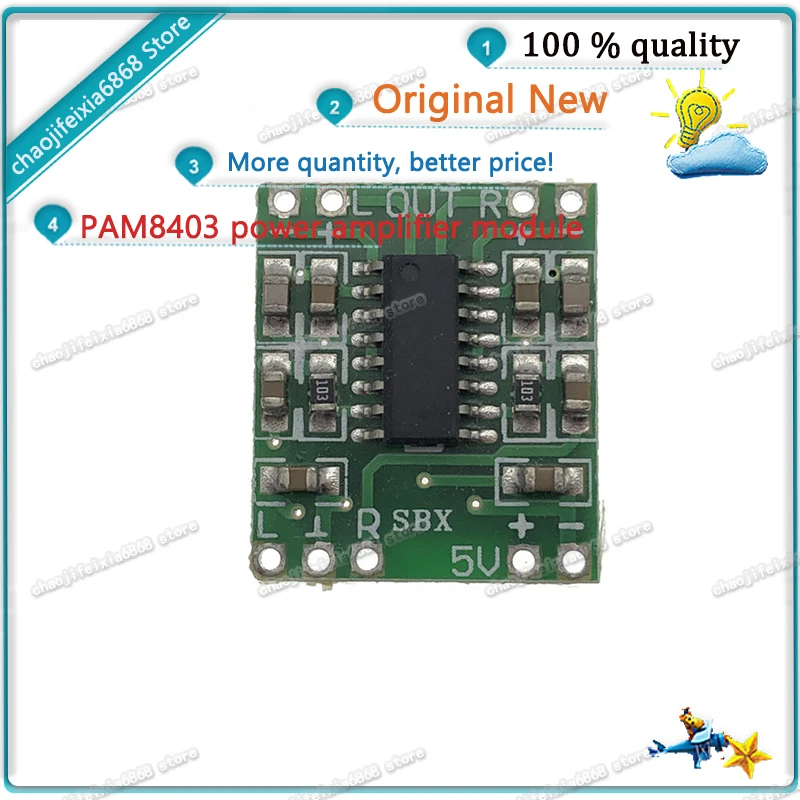
5 шт. - 10 шт./лот! Ультраминиатюрная цифровая усилительная плата PAM8403 мощностью 2 * 3 Вт класса D 2.5 〜 5 В может работать от USB.
128.15


Сохраните в закладки:
*История изменения цены! Указанная стоимость возможно, уже изменилось. Проверить текущую цену - >
| Месяц | Минимальная цена | Макс. стоимость | Цена |
|---|---|---|---|
| Mar-19-2026 | 3789.38 руб. | 3978.88 руб. | 3883.5 руб. |
| Feb-19-2026 | 3757.84 руб. | 3945.43 руб. | 3851 руб. |
| Jan-19-2026 | 3152.96 руб. | 3310.31 руб. | 3231 руб. |
| Dec-19-2025 | 3693.47 руб. | 3878.11 руб. | 3785.5 руб. |
| Nov-19-2025 | 3216.23 руб. | 3377.21 руб. | 3296.5 руб. |
| Oct-19-2025 | 3630.94 руб. | 3812.8 руб. | 3721 руб. |
| Sep-19-2025 | 3598.52 руб. | 3778.96 руб. | 3688 руб. |
| Aug-19-2025 | 3566.74 руб. | 3744.45 руб. | 3655 руб. |
| Jul-19-2025 | 3534.24 руб. | 3711.21 руб. | 3622.5 руб. |
Новые товары
Характеристики
Описание товара
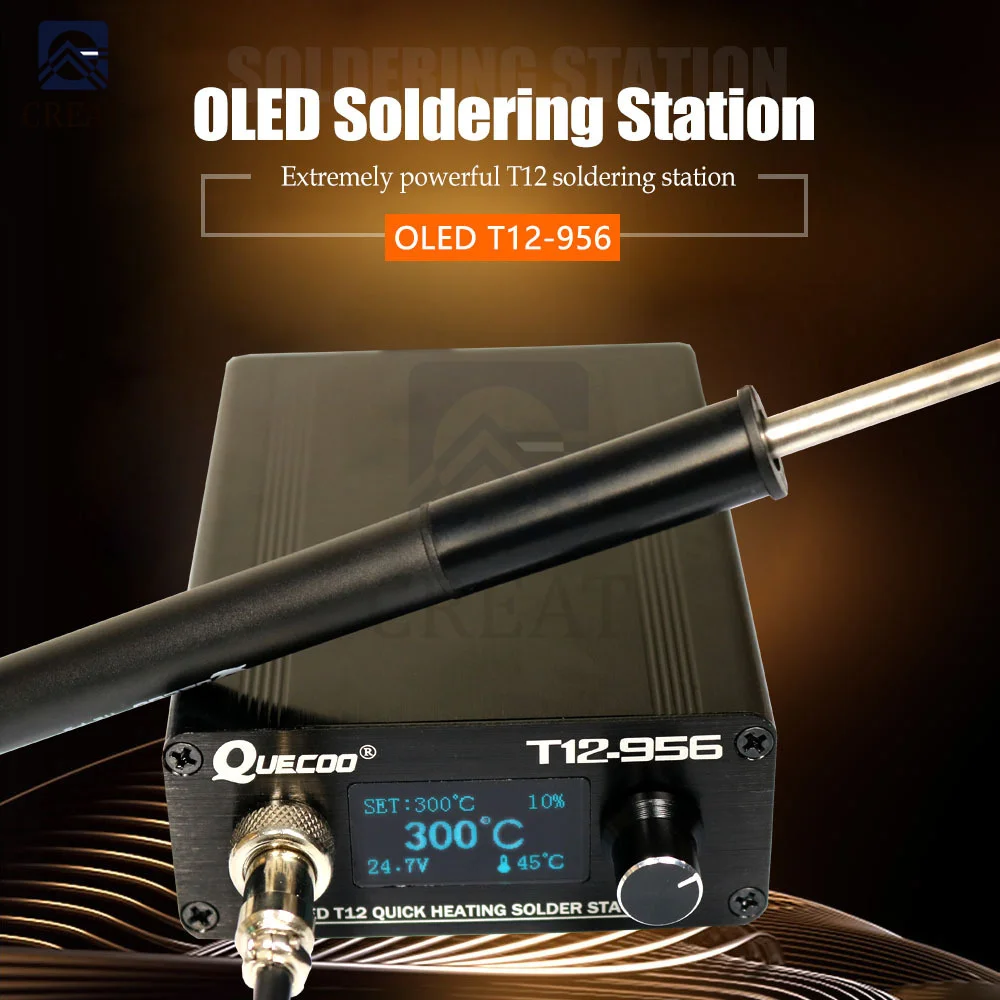
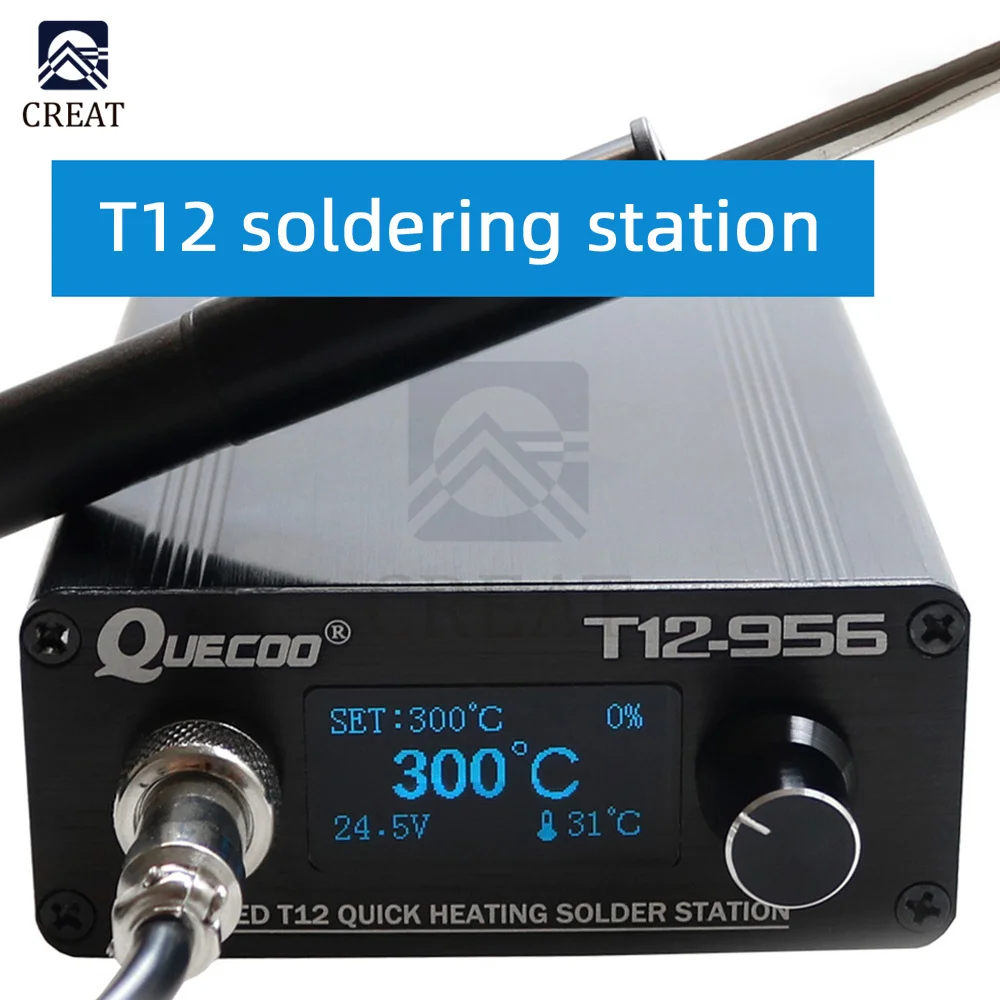
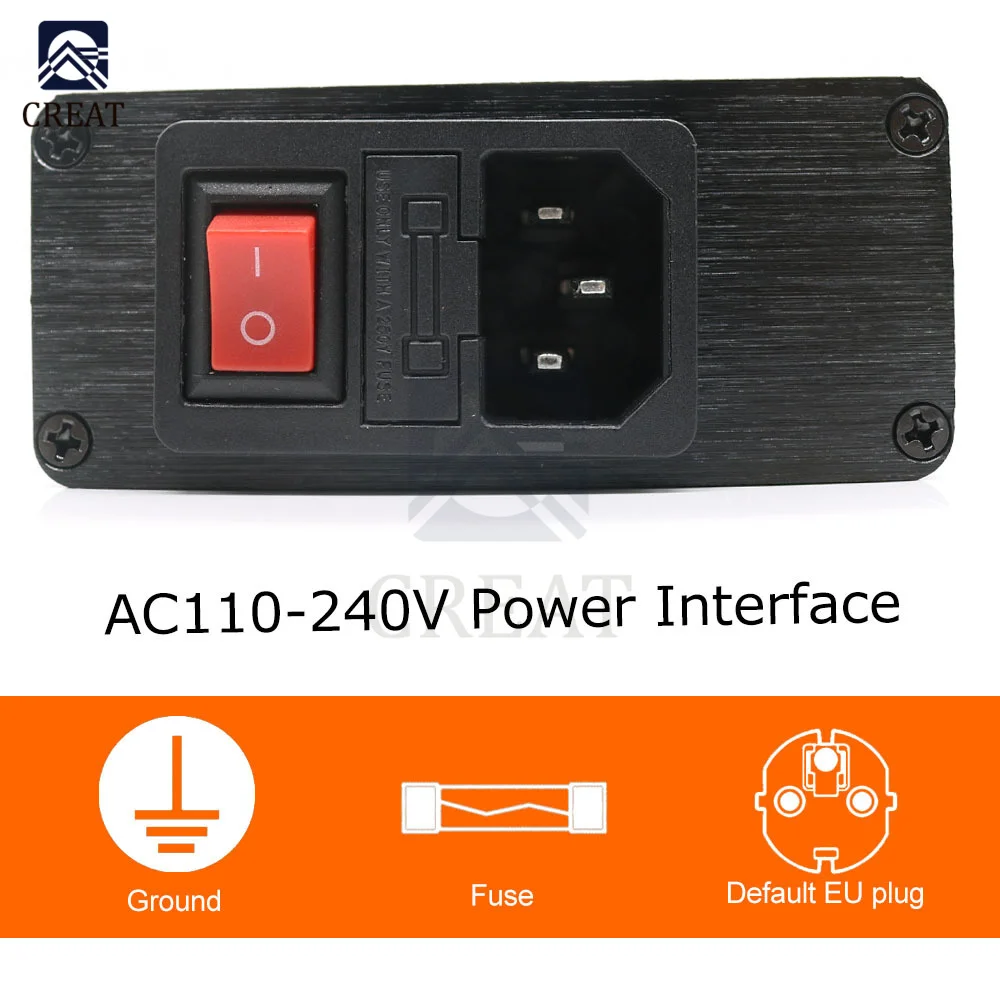
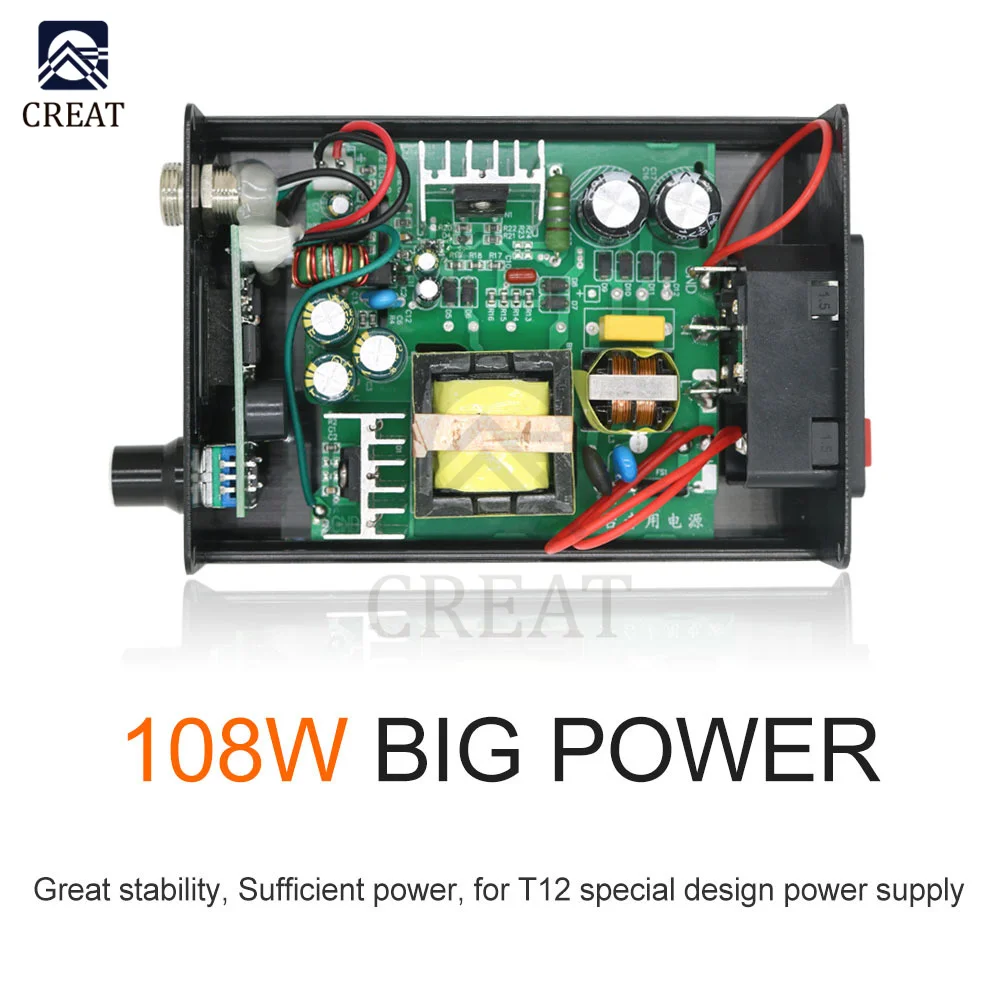
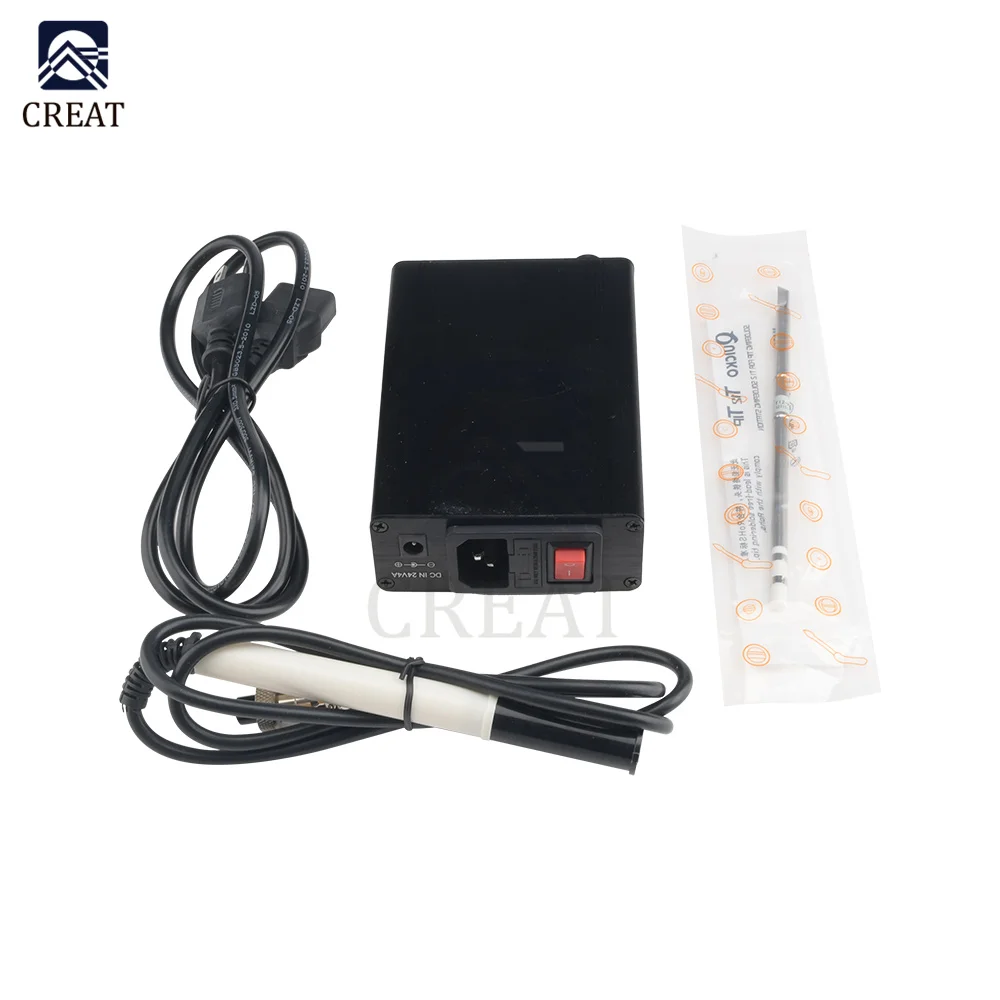
QUECOO T12-956 Soldering Digital Station Electronic Soldering Iron OLED 1.3inch with Black M8 Handle and T12 Soldering Iron Tips

Product selling points:
1. Anti static function, mainly to prevent electrostatic breakdown of precision chip welding.
2. With sleep function, it can save energy and prolong the service life of soldering iron head.
3. Digital display of temperature for easy adjustment.
4. Easy to operate and use.
5. Wide scope of application.
Parameters:
Screen: OLED
Handle interface: gx12-4pins
Production line length: 1.1m
Applicable soldering iron head: T12 series
Tin melting time: < 8s
Maximum power: 108W
Temperature range: 200-480 ℃
Power supply voltage: 24V 4.5a
Input voltage: AC100-240V
Menu usage:
Enter the menu setting interface: in the normal working temperature interface, long press the encoder button (about 3S) to enter the host setting mode!
Exit the menu setting interface: in the menu setting interface, long press the encoder button (about 3S) to exit the host setting mode!
Set function menu:
Enter the setting function item: rotate the encoder rotary knob to the corresponding function item, and press briefly to enter the function item setting!
Exit the setting function item: after setting the corresponding parameters with the encoder rotary knob, briefly press to confirm and exit the function item
Other functions:
1 - temperature calibration
Enter the menu, rotate the encoder, select the temperature calibration function item, briefly press the encoder to enter the temperature calibration setting. The adjustable temperature ratio value is 70-130%. If there is no professional measuring instrument, please set the ratio value to 100%.
2 - sleep time
Enter the menu, select the sleep time function item, briefly press the encoder to enter the sleep time setting. The time setting range is 0-99 minutes. If the sleep function is not required, you can set the sleep function item to off.
The default sleep time is 1 minute. After the host and the handle are stationary for 1 minute, the host will automatically enter the sleep state. At this time, the temperature of the soldering iron head will drop to 150 ℃. When you pick up and shake the handle or rotate the encoder, the host will quickly rise to the working temperature before sleep. The sleep time can be set according to the use scenario and work habits to prolong the service life of the soldering iron head and protect the safety of you, your family and friends!
3 - automatic sleep time
Enter the menu, select the automatic shutdown time function item, briefly press the encoder to enter the shutdown time setting. The time setting range is 0-99 minutes. If the shutdown function is not required, the shutdown function item can be set to off.
The default shutdown time is 1 minute. If the host is not used for 1 minute after entering the sleep state, the host will automatically enter the shutdown state, At this time, the temperature of the soldering iron head will slowly drop to room temperature (Note: the temperature control range of the host is 200 - 480 ℃. When the temperature is lower than 100 ℃, there will be a large deviation in the display temperature, please ignore.) when holding the handle or rotary encoder, the host will quickly rise to the working temperature before sleep. The shutdown time can be set according to the use scene and work habits, so as to prolong the service life of the soldering iron head and protect the safety of you, your family and friends!
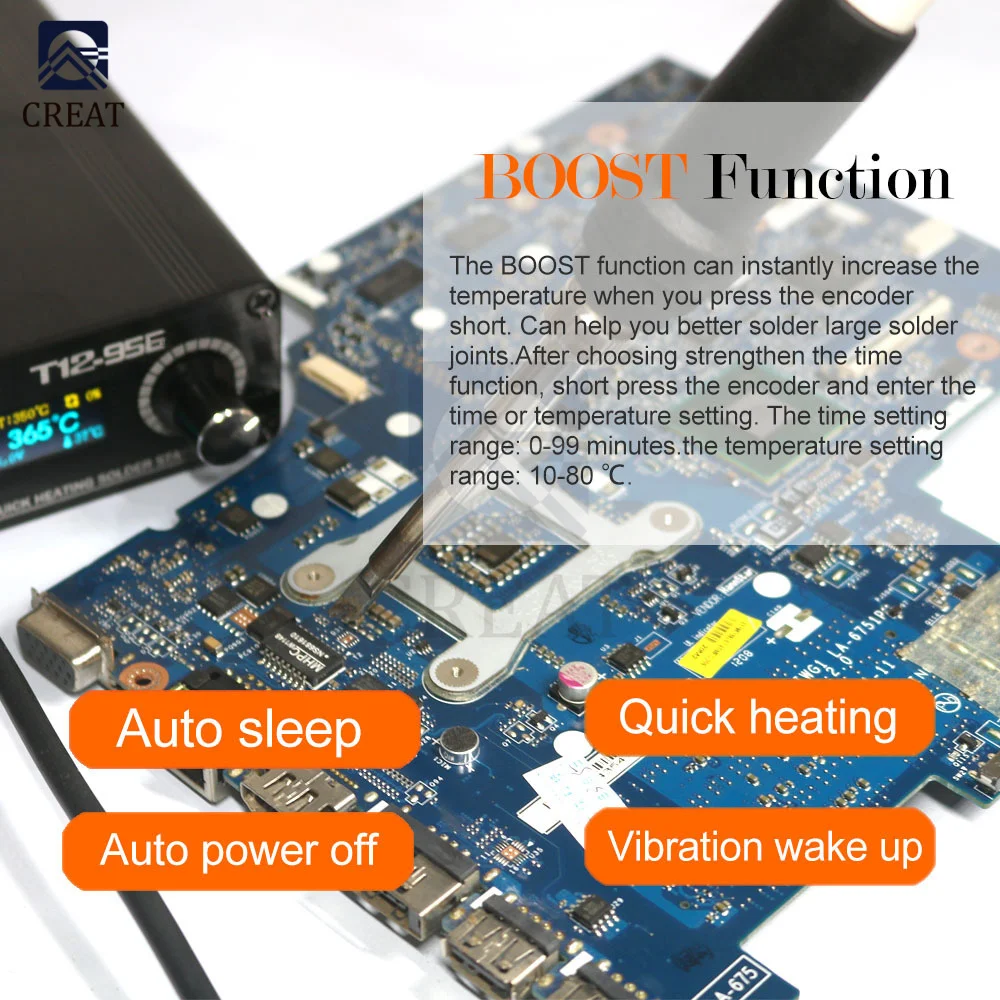
4 - strengthening time
Enter the menu, select the enhancement time function item, and briefly press the encoder to enter the enhancement time setting. The time setting range is 0-99 minutes.
The default enhancement time is 30 seconds, which can be set according to actual needs. After setting, briefly press the encoder to confirm and exit. During normal operation, the temperature needs to be increased for a short time to weld large solder joints. After pressing the encoder, the temperature will rise rapidly to the set temperature. After 30 seconds, the host will automatically return to the original temperature. This can avoid forgetting to lower the temperature when using at high temperature, so as to speed up the oxidation of the soldering iron head!
5 - strengthening temperature
Enter the menu, select the enhanced temperature function item, briefly press the encoder to enter the enhanced temperature setting. The temperature setting range is 10-80 ℃.
The default strengthening temperature is 30 ℃, which can be set according to actual needs. After setting, briefly press the encoder to confirm and exit. During normal operation, the temperature needs to be increased for a short time to weld large solder joints. After pressing the encoder, the temperature will rise rapidly to the set temperature. After 30 seconds, the host will automatically return to the original temperature. This can avoid forgetting to lower the temperature when using at high temperature, so as to speed up the oxidation of the soldering iron head!
6 - wake up mode
Enter the menu, select the wake-up mode function item, briefly press the encoder to enter the wake-up mode setting. The system provides two wake-up modes: encoder + handle and encoder.
When the encoder + handle is selected, the host can be awakened by shaking the handle or short pressing or rotating the encoder under the automatic shutdown state!
When the encoder is selected, in the automatic shutdown state, short press or rotate the encoder to wake up the host, but shaking the handle cannot wake up the host!
The default setting is encoder + handle, which can be set according to actual needs.
7-buzzer switch
This version of OLED controller is integrated with a buzzer to sound the host status. When the host encounters an error or sets corresponding function items, the buzzer will sound "beep".
8 - undervoltage protection
According to the voltage environment of the host, the welding bench has built-in undervoltage protection function, and the default value is 12V. When the voltage is unstable, the power supply will boost according to the setting, which generally does not need to be set. The setting range is 12v-24v.
Attention:
When using T12 soldering iron head, please tighten the nut of soldering iron head to avoid falling and damaging the soldering iron head;
When the welding table is continuously used above 350 ℃ for 40 minutes, the temperature at the front end of the handle will reach 50 ℃ - 60 ℃.
When the brand-new T12 soldering iron head is used for the first time, the temperature may jump due to the heating of the internal thermocouple element of the soldering iron head, which is a normal phenomenon. After repeated use for several times, the temperature will be stable.
Note: after confirming that all components are installed correctly, insert the new soldering iron head into the handle, the display screen will flash randomly or display error, and the host will beep and report error. This is a normal phenomenon. It will gradually return to normal after heating for 5-20 minutes. Temperature control range of main engine: 200 ℃ - 480 ℃
The common working temperature is 300 ℃ - 380 ℃. In order to protect the service life of the soldering iron head, it is recommended that you do not use it higher than 380 ℃!
Safety matters:
Please only use the power adapter that is dedicated to this product and certified by the country / region where you are located.
Do not operate in a humid environment.
Do not operate in flammable and explosive environment.
Please keep the product surface clean and dry.
To protect you and your family and friends, please turn off the power after use or when leaving to prevent fire;
When the host is turned on, the temperature of the soldering iron head will reach 100 ℃ ~ 480 ℃, and be careful to prevent scalding.
Do not soak T12 welding table in water or use it with wet hands. Be careful to prevent electric leakage.
Package Include:
Electric soldering iron welding table * 1
Handle * 1 (black / white optional)
Power cord * 1 (European standard)
T12-k soldering iron head * 1
Instructions * 1


Нарядилась на свадьбу в это платье, и чувствовала себя без преувеличения, королевой. Вблизи оно просто супер - тончайшее кружево, белоснежная... Читать отзыв полностью...

Шикарное платье, давно искала именно такое. Выполнено в винтажном стиле, и от него прямо веет духом тех лет. В нем... Читать отзыв полностью...
Очень эффектные босоножки, почти как у моей любимой певицы Леди Гаги. Взяла сразу два варианта, с сердечками и с цветочками.... Читать отзыв полностью...

Всем здравствуйте)купил и дочки такую курточку! Очень понравилась! Красивая, теплая, стильная, очень качественно выполнена! Удобные карманчики, очень вместительные!Легк о стирается,... Читать отзыв полностью...

Заказывала часы сыну в подарок, очень понравилась эта модель. Продавец ответил на все дополнительные вопросы, сразу отправил товар после оплаты.... Читать отзыв полностью...

Отличный материал для рукоделия. Бусины яркие, без сколов, удобные в работе и недорогие. Из них получаются красивые браслеты, серьги, пояса... Читать отзыв полностью...




Пару слов хочу сказать о этих монетах, потому как выписала их в подарок племяннику, он уже много лет собирает их.... Читать отзыв полностью...